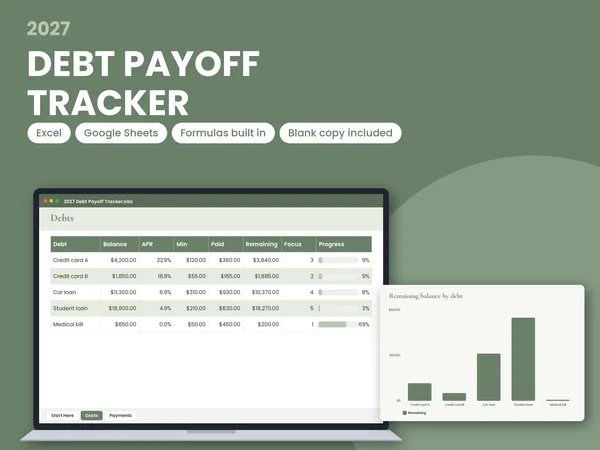
Click any thumbnail below to view all 10 product preview photos:
2027 Online Seller Profit Tracker
2027 Online Seller Profit Tracker Spreadsheet, Google Sheets and Excel, Shop Fee Calculator, Orders, Expenses and Pricing for Makers
What You Get (3 Downloadable Files)
-
64 KB
2027 Online Seller Profit Tracker - BLANK.xlsx
Excel & Google Sheets spreadsheet (.xlsx)
-
66 KB
2027 Online Seller Profit Tracker - with examples.xlsx
Excel & Google Sheets spreadsheet (.xlsx)
-
3 KB
How to use - Excel and Google Sheets.pdf
PDF document (1 page)
How Instant Delivery Works
• Nothing is shipped: Immediately after payment, your personal order page unlocks on screen with direct download buttons and a backup link sent to your email.
• Free Canva Account Compatible: Where Canva links are included, clicking a link opens a fresh copy in your own free Canva account so you can edit text and photos before printing at home or any print shop.
• License: Personal use only. Not for resale, redistribution, or commercial file sharing.
Product Description & Details
2027 ONLINE SELLER PROFIT TRACKER
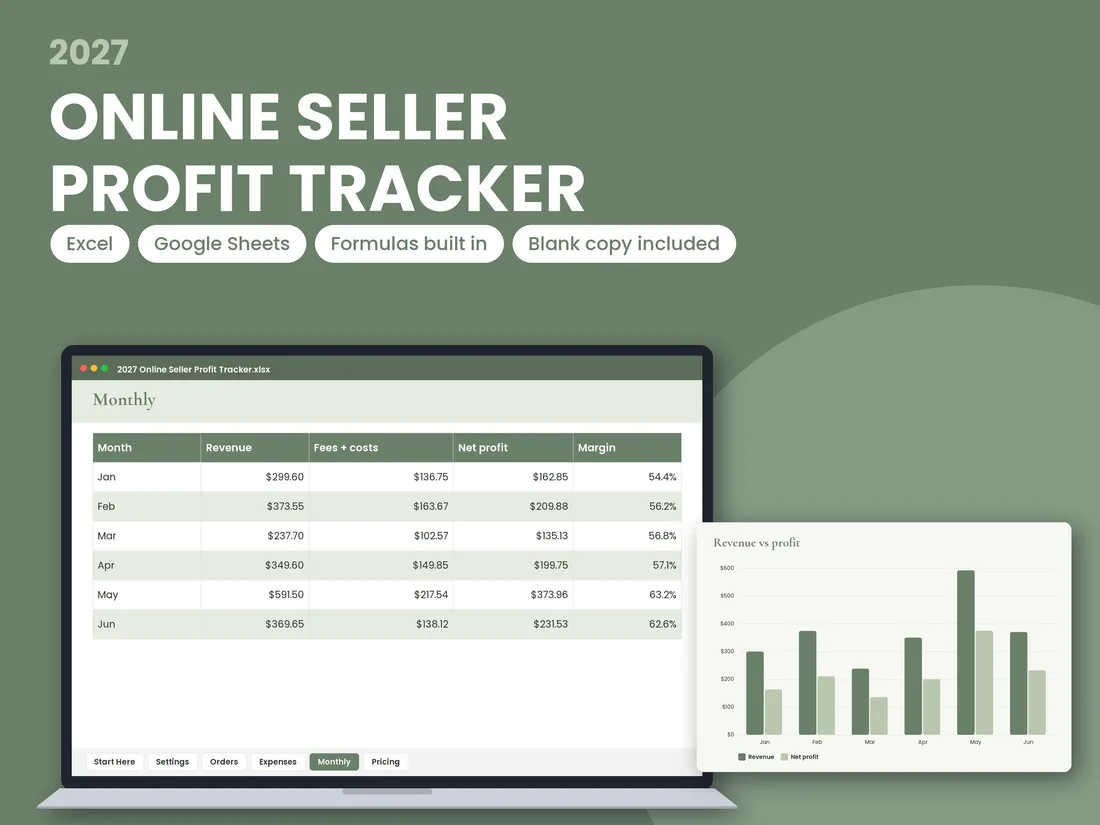
A spreadsheet for online sellers and makers, in a Sage Minimal design. Log every order with its marketplace and payment fees worked out, record expenses, see profit month by month, and set prices with a built-in pricing calculator. One workbook replaces scattered notes and shows what each order actually earns after fees and costs.
WHAT'S INCLUDED
- •Excel workbook (XLSX), also compatible with Google Sheets
- •Step-by-step PDF guide
- •A blank copy of the workbook alongside the example copy
- •Charts that summarise your monthly results
TABS INSIDE
- •1. Start Here: a quick orientation to the workbook
- •2. Settings: set up your shop details and fee values
- •3. Orders: record each sale, with fees calculated for every order
- •4. Expenses: record business costs as they happen
- •5. Monthly: monthly totals and profit, with charts
- •6. Pricing: a calculator to help you price items so you keep the profit you want
HOW IT WORKS
- •1. Open the PDF guide and follow the setup steps.
- •2. Enter your shop settings on the Settings tab.
- •3. Add orders and expenses as they come in.
- •4. Check the Monthly tab to see your profit and charts.
- •5. Use the Pricing tab before you list or change a price.
WHY THIS ONE
- •Blank copy included: start fresh without deleting example data
- •Step-by-step guide included
- •Built only with formulas that work in both Excel and Google Sheets
- •Dates generated from the calendar, not typed by hand
- •Photos show the exact pages you download
- •Opens straight away: plain XLSX and PDF files, not zips
FORMATS
- •XLSX (Excel)
- •Google Sheets compatible
- •PDF guide
NOTES
- •This is a digital download. No physical item is shipped.
- •Fee values are set on the Settings tab, so you can update them if your fees change.
- •Colours and screen appearance may vary slightly between devices.
- •This is a bookkeeping tool, not tax or accounting advice.
More in 2027 Trackers & Budget Spreadsheets
View all →2027 Online Seller Profit Tracker
$5.99 · Instant Download